Android app
Locks your scrolling apps until you listen to today's Stoic wisdom
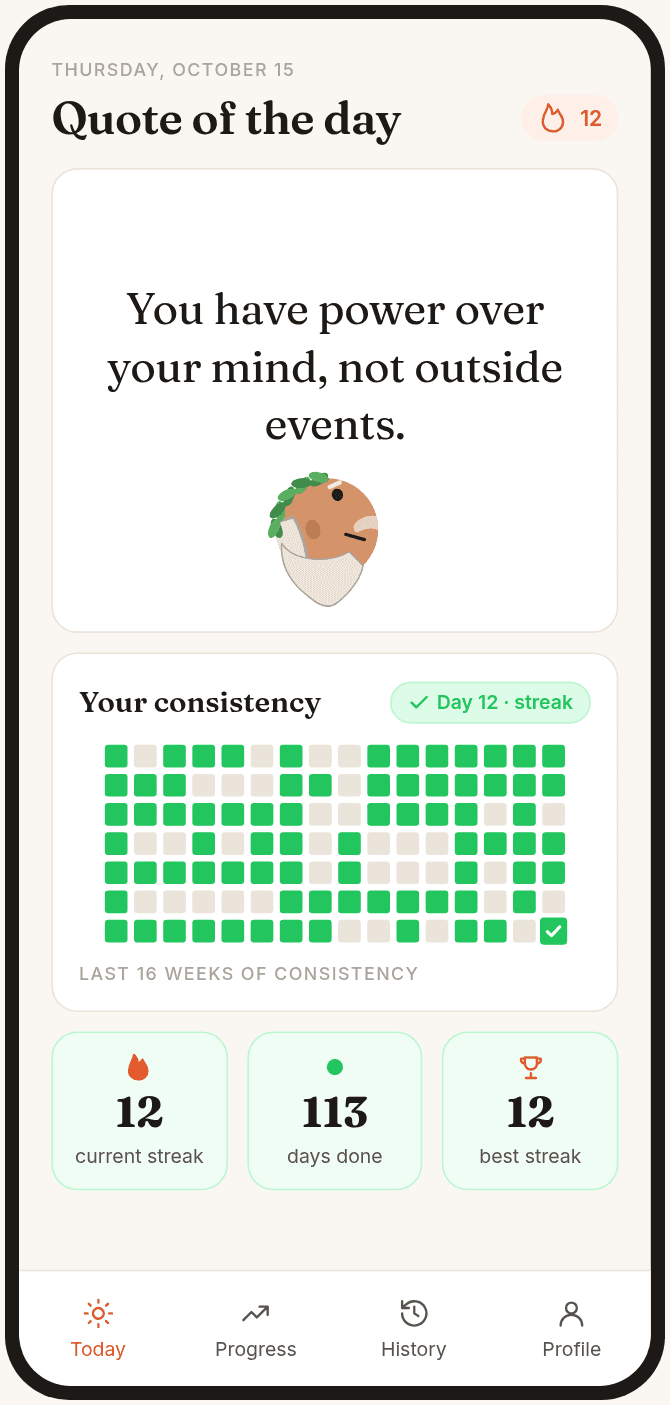
Pick the apps that pull you in. When you open one, Stoic Locker plays today's quote first. Listen all the way through, then scroll.
Android only. We email you once, when it's on Google Play.

How it works
Three steps, then it runs on its own every day.
- 1
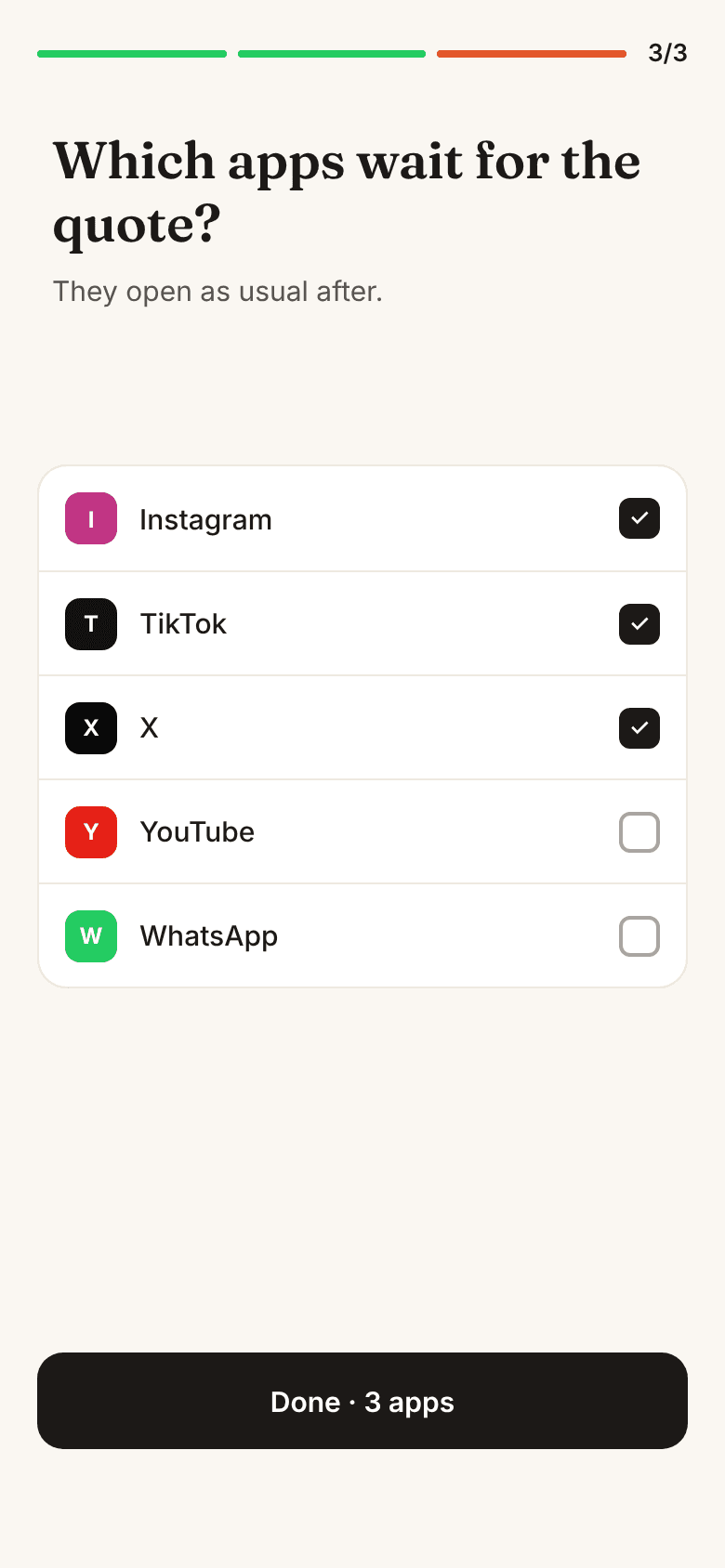
Pick the apps that wait
Instagram, TikTok, Facebook or any app in your app drawer. Change the list anytime from your profile.
- 2
Open one, get the quote first
The app stays closed until you listen to today's quote all the way through.
- 3
Scroll freely the rest of the day
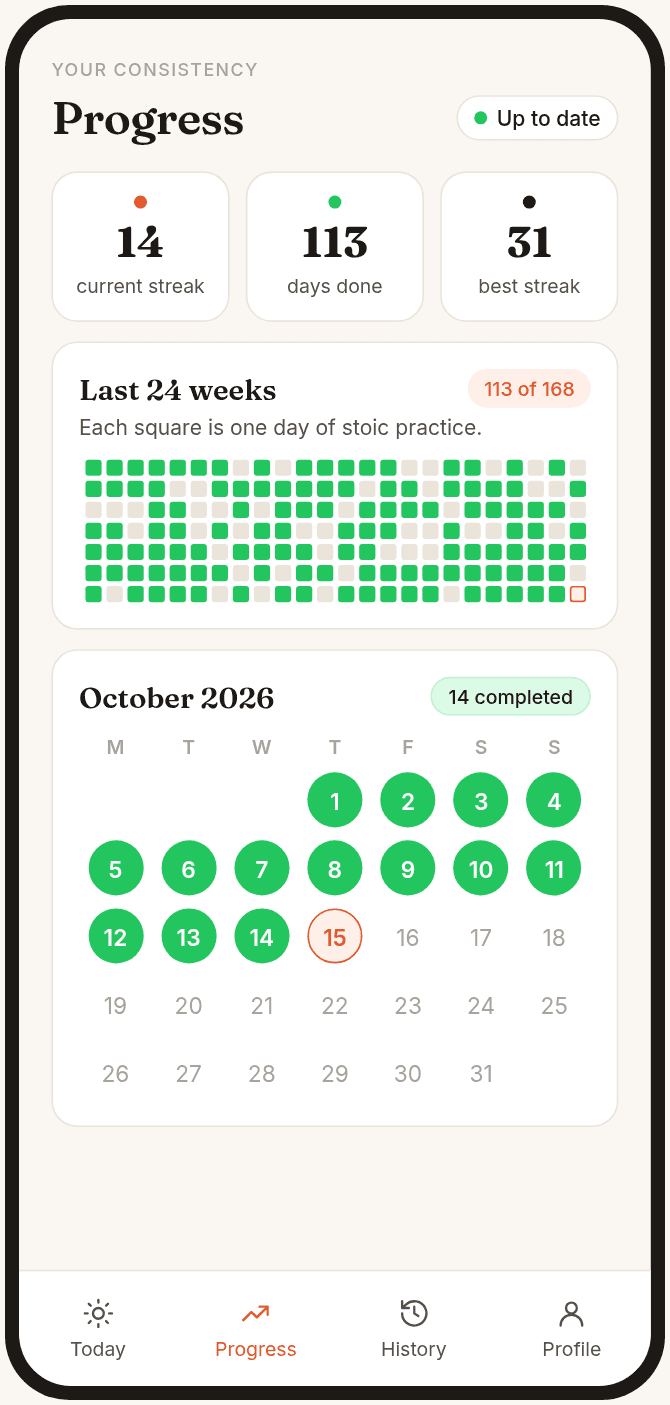
Your apps open as usual until 5:00 the next morning. Your streak and calendar fill in.
Block screen
When you open a blocked app before today's quote, Stoic Locker shows this screen on top. One tap takes you to the quote. Listen all the way through, and the app opens.
No timers to fight and no settings to dig through. Just: not yet.
Permissions & privacy
Stoic Locker asks for three Android permissions during setup. Each screen explains why before you turn it on.
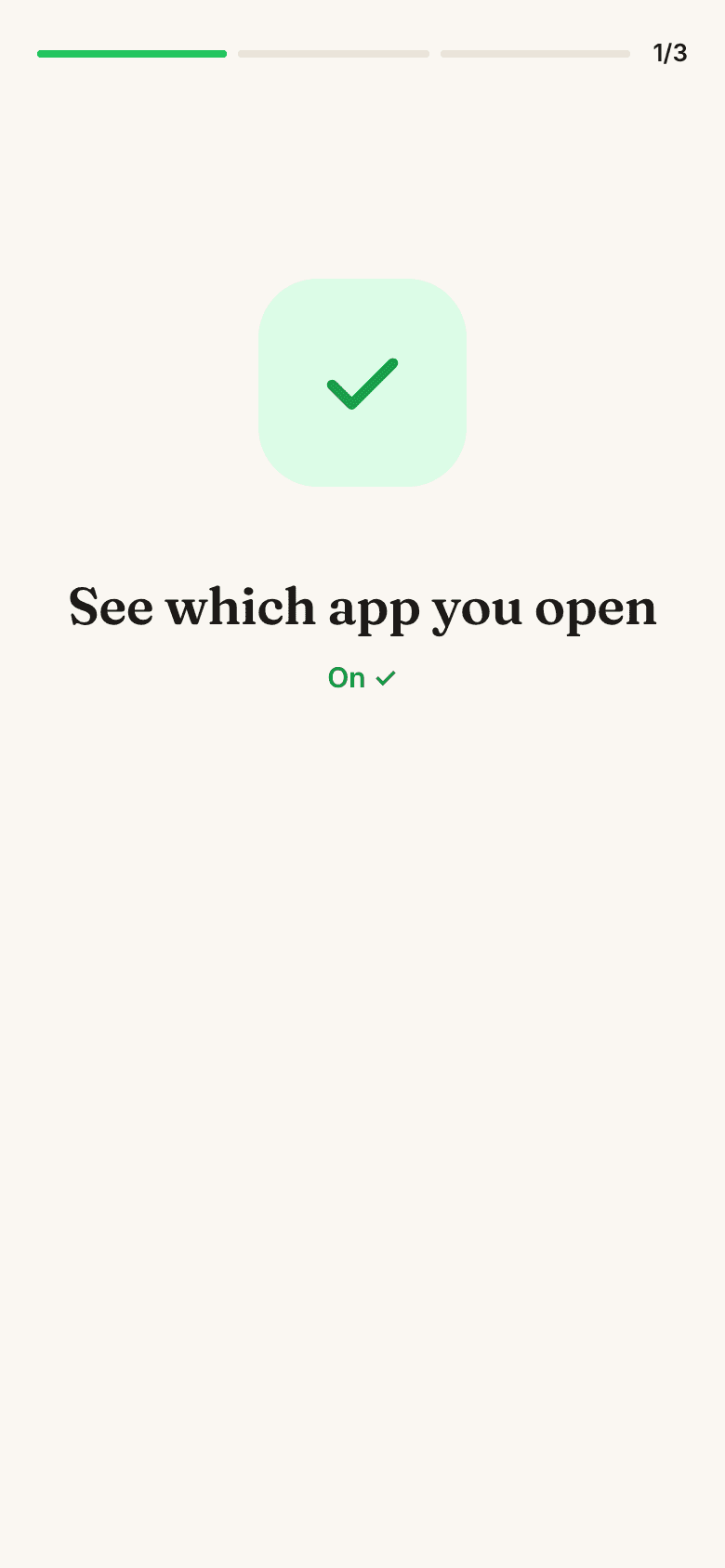
Usage access
So the app knows when one of your blocked apps opens. Blocking doesn't work without it.
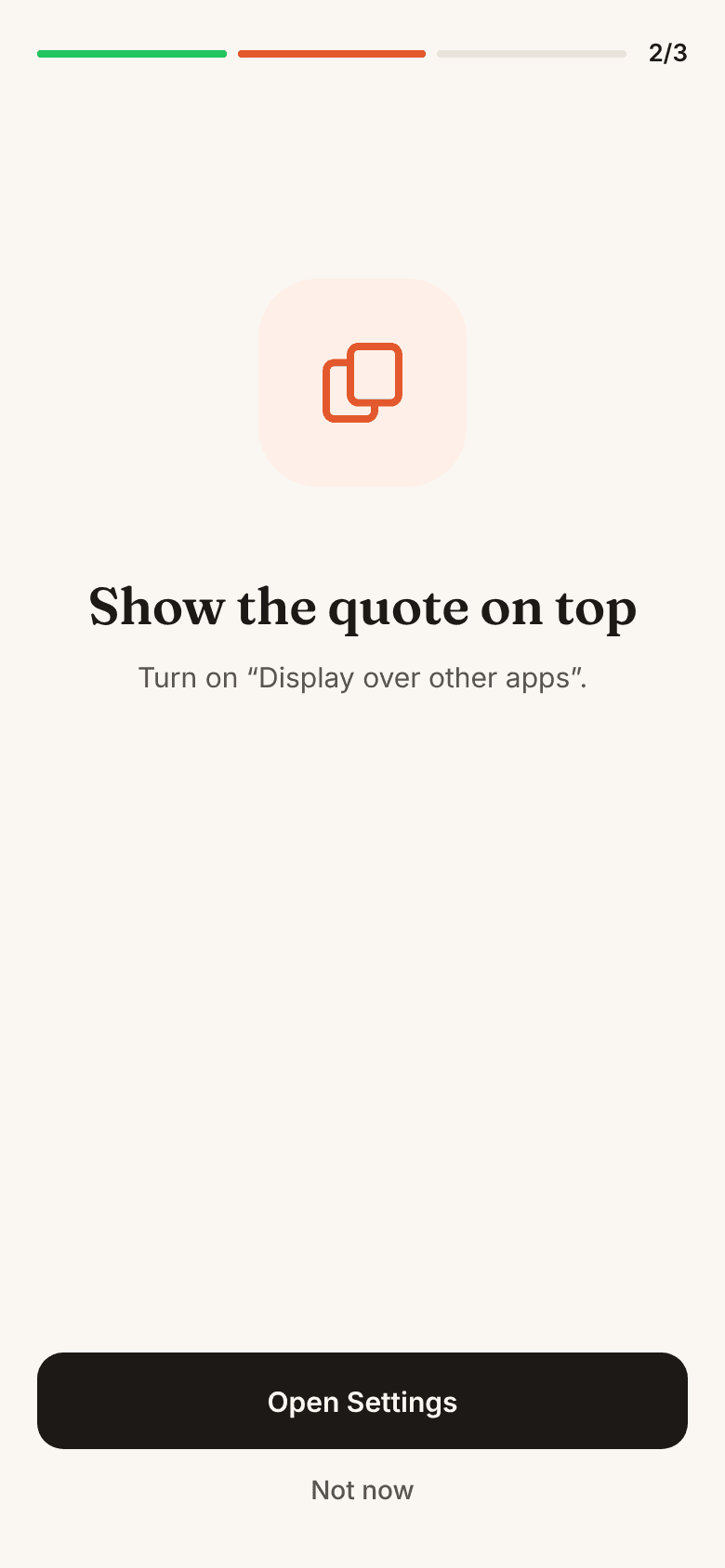
Display over other apps
So the lock screen shows on top of that app. Without it, you're sent back to Stoic Locker instead.
Notifications
For the always-on service notice and a daily reminder.
Privacy
- ✓ It only checks which app is open, never what you do inside it.
- ✓ Your app usage and blocked-app list never leave your phone.
- ✓ No analytics. No Accessibility permission.
- ✓ Sign in to keep your progress on another phone.
FAQ
What does Stoic Locker do?
It keeps the apps you choose closed each day until you listen to the day's stoic quote all the way through. After that, they open as usual until 5:00 the next morning, phone time.
Is it on iPhone?
No. Stoic Locker is Android only.
How long does it take each day?
One short narrated quote.
Which apps can I block?
Any app in your phone's app drawer, such as Instagram, TikTok or Facebook. You can change the list at any time from your profile.
Which permissions does it need?
Usage access, so it knows when a blocked app opens (blocking doesn't work without it). Display over other apps, so the lock screen shows on top (without it, you're sent back to Stoic Locker instead). And notifications, for the always-on service notice and a daily reminder. It doesn't use Accessibility.
Do I need an account?
You don't have to sign up: the app creates an anonymous account for you, and it needs an internet connection. Sign in if you want to keep your progress on another phone. Your list of blocked apps stays on this phone.
Does it read what I do inside my apps?
No. It only checks which app is open. Your app usage and your blocked-app list never leave your phone, and there's no analytics. Our server only gets your account, which quote you were shown and finished each day, your language and your time zone.